

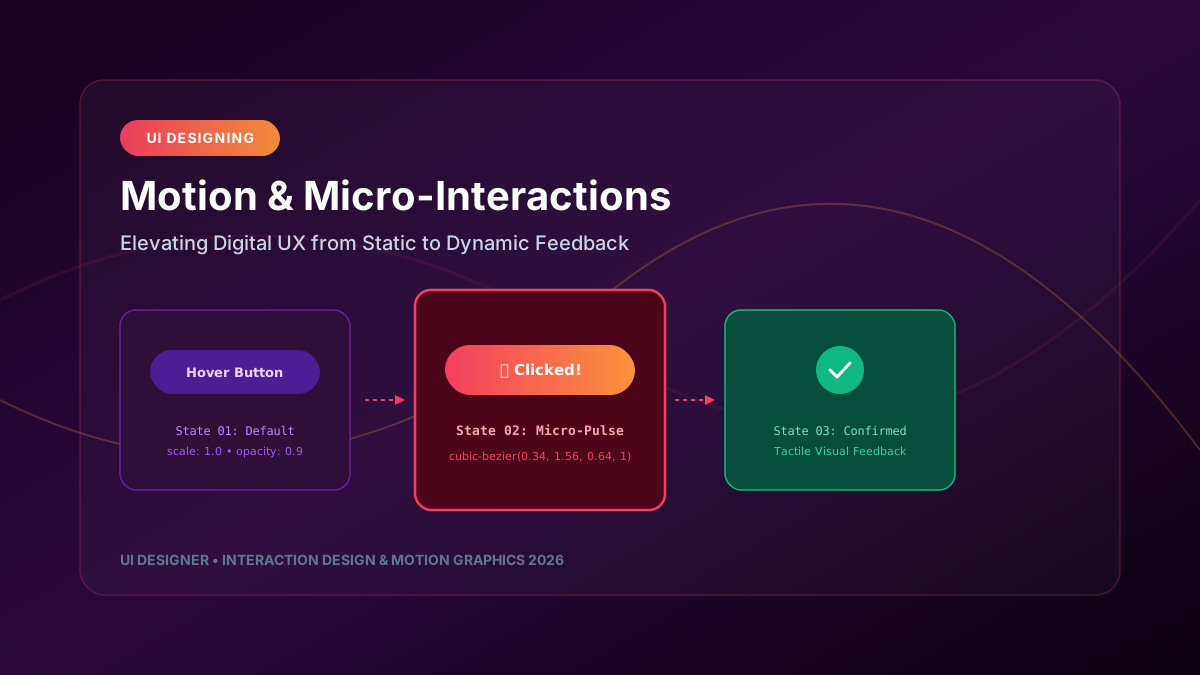
The difference between a functional user interface and an extraordinary digital experience lies in intentional motion design and responsive micro-interactions. When crafted thoughtfully, micro-interactions direct attention, communicate system status, and provide satisfying visual feedback that builds user trust.
---
1. What Are Micro-Interactions?
Micro-interactions are contained, single-purpose visual feedback loops triggered by user inputs or system events. Examples include button tap scale-downs, pull-to-refresh indicators, toggle switch transitions, and form error shakes.
┌─────────────────────────────────────────────────────────────────────────────┐
│                     THE ANATOMY OF A MICRO-INTERACTION                      │
├─────────────────────────────────────────────────────────────────────────────┤
│                                                                             │
│   1. TRIGGER ───────────► User taps "Add to Cart" button                   │
│   2. RULES ─────────────► Change button background to green; trigger scale  │
│   3. FEEDBACK ──────────► Smooth spring pulse + checkmark icon fade-in      │
│   4. LOOPS & MODES ─────► Reset to default state after 1.5 seconds          │
│                                                                             │
└─────────────────────────────────────────────────────────────────────────────┘
---
2. Spring Physics vs Rigid Linear Timing
Robotic linear animations (`transition: all 0.3s linear`) feel unnatural because objects in the physical world experience inertia, friction, and velocity curves. Modern UI interaction design relies on **Spring Physics** or custom cubic-bezier curves.
/* Avoid linear timing */
.bad-animation {
  transition: transform 0.3s linear;
}
/* Use organic spring cubic-bezier curve */ .smooth-spring-interaction { transition: transform 0.4s cubic-bezier(0.34, 1.56, 0.64, 1); }
.smooth-spring-interaction:active { transform: scale(0.95); }
---
3. Implementing Interaction Feedback in Framer Motion & React
import React, { useState } from 'react';
import { motion, AnimatePresence } from 'framer-motion';
export const InteractiveSubmitButton = () => { const [status, setStatus] = useState<'idle' | 'loading' | 'success'>('idle');
const handleClick = () => { setStatus('loading'); setTimeout(() => setStatus('success'), 1200); };
return (
---
4. Accessibility & Reduced Motion Compliance
Not all users enjoy heavy screen motion. Users with vestibular disorders or motion sensitivity can experience vertigo when presented with parallax scrolling or un-constrained animations.
Always implement `prefers-reduced-motion` media queries:
@media (prefers-reduced-motion: reduce) {
  *, ::before, ::after {
    animation-duration: 0.01ms !important;
    animation-iteration-count: 1 !important;
    transition-duration: 0.01ms !important;
    scroll-behavior: auto !important;
  }
}
Respecting motion wcag-2026" class="internal-link">accessibility ensures that your product is inclusive while retaining delightful micro-feedback for all users.