

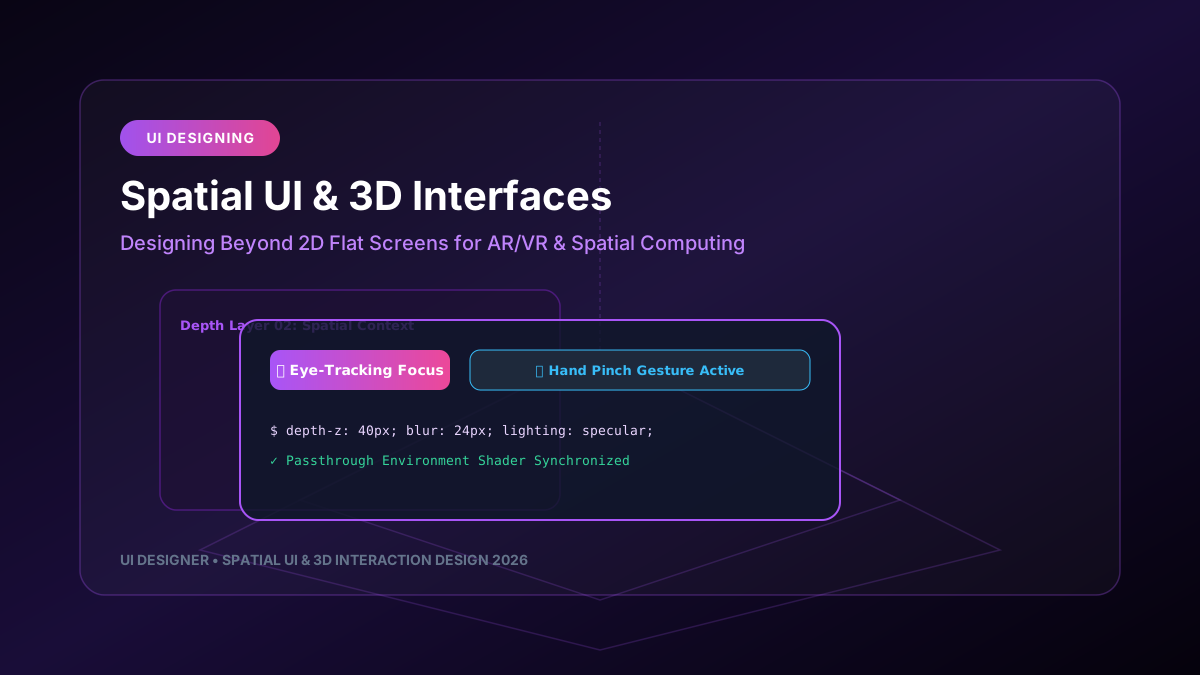
Spatial computing and 3D user interfaces have transitioned from specialized gaming environments into mainstream enterprise and consumer applications. Designing interfaces for spatial operating systems (such as Apple VisionOS, Meta Horizon, and WebXR spatial browsers) requires product designers to unlearn traditional 2D rectangular box constraints and think in terms of depth, lighting, volumetric components, and gaze-and-gesture interaction physics.
---
1. The Fundamental Shift: From Flat Canvases to Volumetric Space
In 2D web and mobile design, user interfaces rely on fixed viewports, pixel grids, and static z-index stacks. In spatial UI design, components exist as physical volumetric objects floating within the user's real-world environment.
┌─────────────────────────────────────────────────────────────────────────────┐
│                         SPATIAL UI DESIGN LAYERS                            │
├─────────────────────────────────────────────────────────────────────────────┤
│                                                                             │
│   1. PASSTHROUGH ENVIRONMENT ──► Real-world physical room context           │
│   2. MAIN SPATIAL WINDOW ──────► Glassmorphic UI container with specularity │
│   3. VOLUMETRIC OBJECTS ───────► 3D Interactive elements (depth-z: 40px)    │
│   4. GAZE & PINCH FOCUS RING ──► Real-time eye-tracking highlight ring      │
│                                                                             │
└─────────────────────────────────────────────────────────────────────────────┘
---
2. Core Design Principles for Spatial Interfaces
- **Glassmorphism & Adaptive Specularity**: Spatial windows must use semi-transparent glass materials so that real-world ambient lighting shines through, ensuring panels feel grounded in the physical room.
- **Gaze + Pinch Gesture Target Sizes**: Without a mouse or touch screen, users navigate by looking at an element and pinching their fingers. Interactive targets must feature a minimum comfortable visual angle of 44pt to prevent eye fatigue.
- **Dynamic Occlusion & Shadow Projection**: Floating UI cards should cast soft, realistic drop shadows onto real-world tables and walls to provide depth perception cues.
---
3. Implementing WebXR & Three.js 3D Spatial UI Cards
Web developers can build cross-platform spatial web experiences using Three.js and WebXR APIs.
import * as THREE from 'three';
import { VRButton } from 'three/examples/jsm/webxr/VRButton.js';
// Initialize Spatial 3D Scene const scene = new THREE.Scene(); const camera = new THREE.PerspectiveCamera(75, window.innerWidth / window.innerHeight, 0.1, 1000); const renderer = new THREE.WebGLRenderer({ antialias: true, alpha: true });
renderer.xr.enabled = true; document.body.appendChild(VRButton.createButton(renderer));
// Create Glassmorphic Spatial Panel const geometry = new THREE.PlaneGeometry(1.6, 0.9); const material = new THREE.MeshPhysicalMaterial({ roughness: 0.1, transmission: 0.9, thickness: 0.5, color: new THREE.Color(0xa855f7), transparent: true, opacity: 0.85 });
const spatialPanel = new THREE.Mesh(geometry, material); spatialPanel.position.set(0, 1.5, -2); // Positioned 2 meters in front of user scene.add(spatialPanel);
---
4. Accessibility & Ergonomics in Spatial Computing
- **Neck Strain Prevention**: Keep primary interactive content within a 60-degree central field of view to prevent users from performing repetitive neck movements.
- **Motion Sickness Mitigation**: Avoid unprompted spatial window movement; UI panels should remain anchored in world space relative to the room unless explicitly dragged by the user.
Spatial UI design represents the next frontier of digital interaction engineering, blending software components seamlessly into physical environments.