

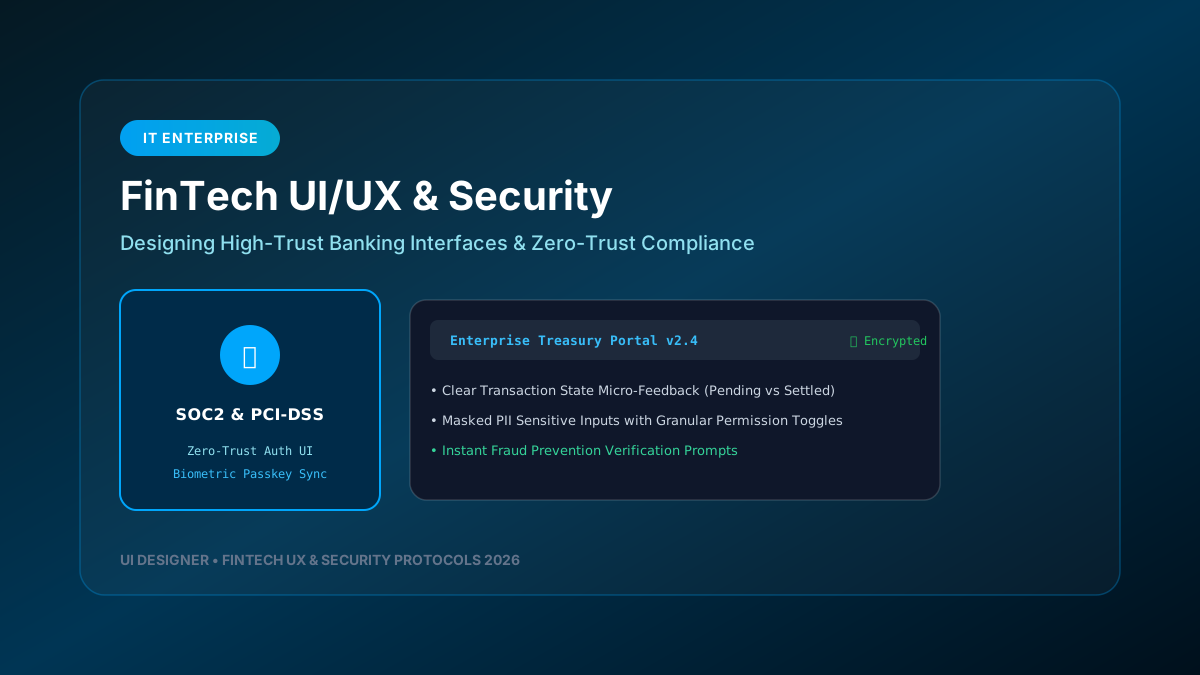
FinTech user interfaces operate under uniquely demanding constraints. Unlike standard consumer applications, financial platforms must balance seamless visual design with stringent regulatory compliance, zero-trust security architectures, and instant data clarity for high-stakes transactions.
---
1. Pillars of High-Trust FinTech Interface Design
┌─────────────────────────────────────────────────────────────────────────────┐
│                      FINTECH UI/UX ARCHITECTURE STACK                       │
├─────────────────────────────────────────────────────────────────────────────┤
│                                                                             │
│  1. CLEAR STATE MICRO-FEEDBACK                                              │
│     • Instant visual separation between Pending vs Settled transactions     │
│     • Irreversible actions require multi-step confirmation modals           │
│                                                                             │
│  2. MASKED PII & GRANULAR SENSITIVE INPUTS                                  │
│     • Mask bank account numbers & balances with quick toggle icons          │
│     • Auto-blur sensitive screens during inactivity or screen capture       │
│                                                                             │
│  3. ZERO-TRUST AUTHENTICATION UI FLOWS                                      │
│     • Seamless WebAuthn / Biometric Passkey integration                     │
│     • Step-up authentication for wire transfers exceeding thresholds        │
│                                                                             │
└─────────────────────────────────────────────────────────────────────────────┘
---
2. Managing Cognitive Load in Financial Dashboards
When displaying complex portfolio analytics, currency pairs, or loan schedules, information architecture must prioritize scannability:
- **Primary Action Isolation**: Isolate critical user actions (e.g., "Transfer Funds", "Approve Wire") into distinct visual zones to prevent accidental clicks.
- **Color Semantics for Risk & Value**: Standardize status colors (`#10b981` for positive yield, `#ef4444` for negative cash flow, `#f59e0b` for pending risk alerts). Never rely solely on color to convey meaning—always pair color with iconography and text labels.
- **Micro-Feedback on Network Requests**: In financial applications, silent failures lead to user anxiety. Always display explicit confirmation toasts with transaction reference IDs upon server resolution.
---
3. Implementing Passkey & Biometric Auth UI in React
import { startAuthentication } from '@simplewebauthn/browser';export const PasskeyLoginButton = () => { const handlePasskeyAuth = async () => { try { // Step 1: Request authentication options from backend const resp = await fetch('/api/auth/passkey-options'); const options = await resp.json();
// Step 2: Prompt native device biometric (FaceID / TouchID / Windows Hello) const authResponse = await startAuthentication(options);
// Step 3: Verify response with backend server const verifyResp = await fetch('/api/auth/verify-passkey', { method: 'POST', headers: { 'Content-Type': 'application/json' }, body: JSON.stringify(authResponse), });
if (verifyResp.ok) { window.location.href = '/dashboard'; } } catch (err) { console.error('Passkey Authentication Failed:', err); } };
return ( ); };
---
4. Compliance Auditing (SOC2, PCI-DSS & GDPR)
- **Client-Side Data Retention**: Never store raw credit card numbers or unencrypted Tokens in `localStorage` or `sessionStorage`. Use HTTP-only secure cookies or ephemeral memory state.
- **Session Timeout Warnings**: Display an accessible modal warning 60 seconds before auto-logging out inactive financial sessions.
Designing FinTech UIs requires engineering systems where security, clarity, and trust are woven into every component.