

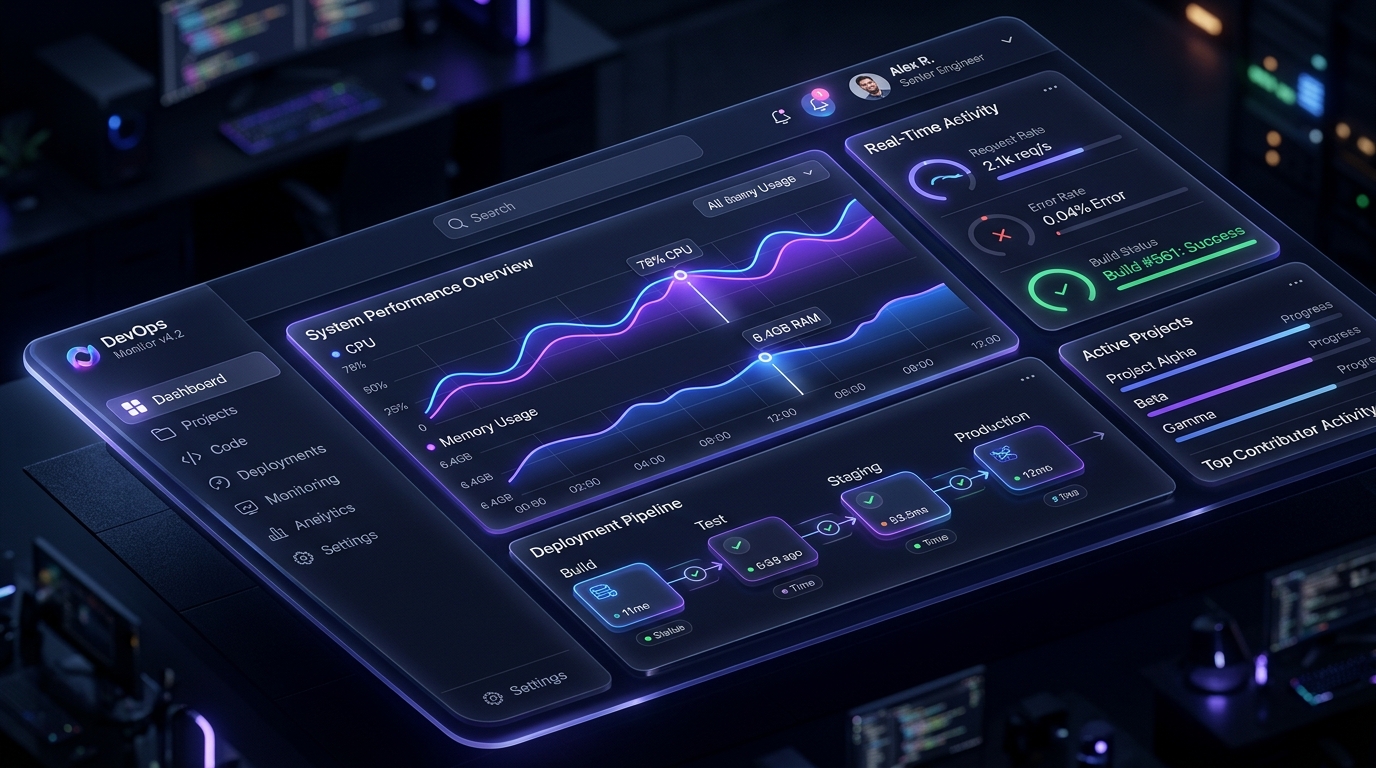
The line between desktop software and web applications has completely evaporated. Today, web applications power everything from complex financial trading terminals and multi-track audio workstations to collaborative design suites and enterprise resource planners. Users expect them to load instantly, respond within milliseconds to every click or keystroke, work seamlessly through spotty train Wi-Fi, and deliver an experience as fluid and tactile as native desktop apps.
Yet building a modern web application that can gracefully handle these demands at scale is one of the most challenging engineering disciplines in software today. It is not merely about choosing a reactive framework or throwing an off-the-shelf state manager at a dashboard. Architecture determines whether your application remains snappy and maintainable as your codebase scales to hundreds of thousands of lines, or degrades into a sluggish, memory-leaking labyrinth where every state update causes cascading render cycles.
At UI Designer, we build mission-critical web applications for startups and high-growth enterprises. Through years of profiling production performance and designing user-centric interfaces, we have refined an architectural blueprint that balances speed, resilience, and maintainability. In this guide, we dive into the foundational pillars of modern web application architecture in 2026: state layer partitioning, offline-first synchronization, interaction responsiveness, and resilient UX design.
The Tri-Tier State Hierarchy: Escaping Global State Hell
The single most common mistake engineering teams make when building complex web apps is treating state as a monolithic global store. Cramming server responses, active form inputs, filter parameters, and modal visibility into a single Redux or Pinia store introduces high cognitive overhead and triggers unnecessary re-renders across unaffected component subtrees.
In 2026, scalable web applications divide state into three distinct, decoupled tiers:
- Server Cache State: Data that originates on the server, is owned by the database, and is only cached on the client (e.g., user profiles, project lists, billing records). This data should be managed by specialized caching libraries like TanStack Query or SWR, which automatically handle background refetching, query deduplication, garbage collection, and window-focus synchronization without manual dispatch actions.
- Ephemeral UI State: Transient visual states that belong strictly to the browser session and often to individual components (e.g., dropdown open/close states, active tabs, hover previews). This should live in local component state or localized signals. Elevating temporary UI toggles to global state introduces tight coupling and ruins component reusability.
- URL and Route State: Filters, search queries, pagination indices, and selected entity IDs. If reloading the page or sharing the URL should restore the exact view the user is looking at, that data belongs in the URL search params. Storing filter state in the URL gives you bookmarking, back-button navigation, and deep linking for free.
By cleanly separating these three state tiers, your application avoids bloated client bundles, cuts down reactive recalculations by up to 70%, and ensures that components only listen to the precise slices of data they actually render.
Optimistic UI and Offline-First Resilience
When a user taps an action button in your web app—such as archiving a task, liking a comment, or toggling a status—waiting for a network round trip before updating the UI creates an artificial 200ms to 600ms latency penalty. That delay makes web apps feel sluggish and inferior to native platforms.
High-performance web apps leverage Optimistic UI updates. The interface updates its visual state immediately upon user action, assuming the server operation will succeed. Under the hood, a mutation queue sends the payload to the API. If the network request succeeds, the temporary state seamlessly reconciles with the server's canonical response. If it fails, the application rolls back to the previous snapshot and displays a polite, actionable toast with an automatic retry option.
Taking this concept further, modern web applications adopt offline-first architectures powered by browser storage engines like IndexedDB and Service Workers. By caching core application shells and using client-side datastores (such as Dexie.js or SQLite in WASM), users can continue drafting documents, organizing queues, or browsing historical data even during subway commutes or intermittent network outages. Background Sync APIs quietly synchronize pending operations as soon as connectivity resumes.
Mastering Interaction to Next Paint (INP) and Runtime Performance
Google's Core Web Vitals metric, Interaction to Next Paint (INP), evaluates how quickly a page visually responds to user interactions throughout its entire lifecycle. While First Input Delay (FID) only measured initial load latency, INP penalizes web apps that suffer from jank, stutter, or frozen main threads during ongoing usage.
To keep INP consistently below the 200ms "good" threshold, web applications must observe strict execution hygiene:
- Offload Heavy Computation to Web Workers: Complex mathematical calculations, syntax highlighting, image compression, or large JSON parsing operations should never execute on the main thread. Spawning a Web Worker keeps the UI completely responsive at 60 to 120 FPS.
- Break Long Tasks with Schedulers: JavaScript tasks taking longer than 50ms block user input. By using `scheduler.yield()` or `requestIdleCallback()`, large data processing loops can yield control back to the browser engine, allowing user clicks and taps to process instantly without noticeable stutter.
- Virtualize Long Lists: Never render 2,000 DOM nodes simultaneously. Virtual list engines (such as TanStack Virtual) only render the visible slice of items inside the viewport plus a small buffer, keeping memory usage constant regardless of dataset size.
- Granular Reactivity over VDOM Diffing: Modern frameworks increasingly use fine-grained signals and reactive primitives (Vue 3 reactivity, SolidJS, Svelte 5 Runes) rather than heavy tree-wide virtual DOM diffing. By updating only the exact DOM text node or attribute bound to a changed value, the CPU expenditure per user interaction drops dramatically.
Progressive Web App (PWA) Capabilities in 2026
Modern browser APIs allow web applications to deliver capabilities that previously required native Electron or mobile binaries. Progressive Web Apps (PWAs) now offer:
- App Badging API: Display unread notification counts or pending task markers directly on the desktop dock or mobile home screen icon.
- Web Locks and File System Access: Allow power users to open, edit, and save files directly from their local drive with full read/write permission dialogs, ideal for web-based IDEs and media editors.
- Web Push Notifications with Encryption: Re-engage users with time-sensitive updates even when the web application tab is closed.
- Hardware Acceleration via WebGPU: Render complex 3D visualizations, interactive maps, and client-side ML models with near-native GPU efficiency.
The Web App Engineering Checklist
Before rolling a major web application into production, verify these essential architectural checkpoints:
- [ ] All network state is handled via an automatic caching/deduplication layer rather than ad-hoc global stores.
- [ ] Shareable views, table filters, and search queries are reflected in URL query parameters.
- [ ] High-frequency interactions (toggles, favorites, status updates) employ optimistic UI patterns.
- [ ] INP stays under 150ms on simulated low-tier mobile devices under CPU throttling.
- [ ] Heavy data parsing and calculations are deferred or routed to Web Workers.
- [ ] Critical assets and offline fallback screens are cached via a reliable Service Worker strategy.
- [ ] Strict Content Security Policy (CSP) and automated CSRF/XSS token rotation are active.
By treating web application engineering as an integrated discipline of state architecture, runtime profiling, and empathetic human-computer interaction, you build software that users don't just use—they enjoy.